Option 1
Manual installation
Add the gem and run the generator yourself. Review the generated files before migrating.
bundle add tnw && bin/rails generate tnw:installRails-native operations for Kamal
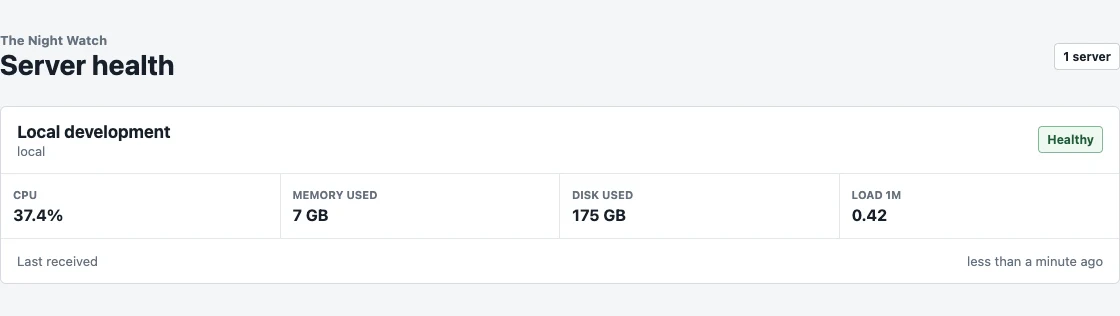
See the health of your Kamal server inside the Rails app you already run, with signed host metrics, protected access, and no Docker socket mounted into your application.
Implementation
Choose manual or agent-guided setup, review the protected engine configuration, then connect the standalone Linux host collector.
Both options install the same published gem and generate the same engine files.
Register the server, generate its ingestion secret, confirm authentication and sampling, and schedule retention through the app’s existing Active Job backend.
Tnw.configure do |config|
  config.metrics_sample_interval = 5.seconds
  config.metrics_retention = 7.days
  config.metrics_ingestion_token = ENV["TNW_METRICS_INGESTION_TOKEN"]
  config.metrics_accepted_clock_skew = 30.seconds
end
bin/rails db:migrateRun this on the Linux host with the proxy hostname from Kamal. The endpoint and server identifier may be passed safely; the ingestion secret is prompted without echo.
curl -fsSL https://tnw.catalinionescu.dev/install.sh | sudo bash -s -- --endpoint "https://your-app.example/tnw/internal/metric_samples" --server-id "production"